Rest
A subtle loop keeps the character alive without stealing focus.
 masko
maskoDESKTOP PET FOR MAC
Keep an animated screenmate beside your windows. Your desktop buddy can rest, react, remind you, celebrate, and show when an AI agent needs attention.
macOS 14+ · Start free with Ko
INTERACTIVE DESKTOP PET
A Masko pet stays quiet while you work, performs reminders, reacts to music, and changes when a connected AI agent is working or waiting.
A subtle loop keeps the character alive without stealing focus.
Agent states, music, and personal moments can trigger movement.
Water, breaks, breathing, and focus become character actions.
ON YOUR MAC DESKTOP
The mascot sits above your normal windows, stays readable at a small size, and moves when there is a reason to notice it.
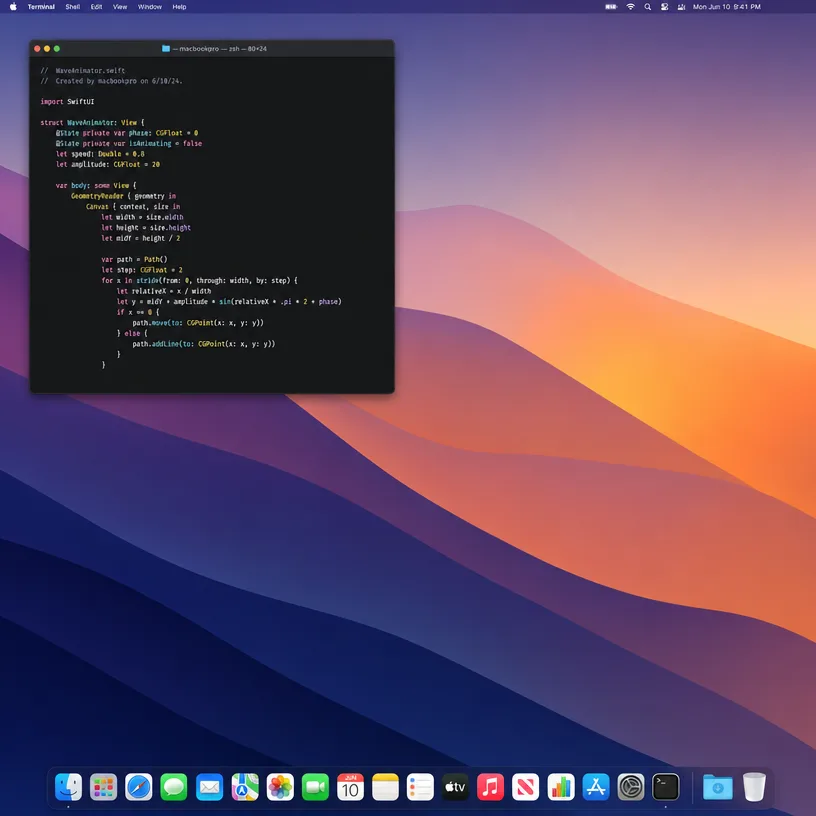

Try a finished desktop pet first. Create or choose another mascot only when you want to.
Download Masko for macOS 14 or newer and meet Ko without creating anything first.
Pick a finished mascot or create a desktop pet from a sentence, photo, drawing, or reference image.
Connect reminders, companion apps, and supported AI-agent states to movements that fit the character.
Masko keeps the playful presence of a classic screenmate and gives the character practical reasons to move.
Describe a new character or use a pet photo, drawing, or reference image as the starting point.
Turn water, breaks, focus, music, celebrations, and supported AI-agent states into character actions.
Keep the desktop buddy above normal Mac windows and place it where it belongs in your workspace.
A MASCOT THAT GROWS WITH YOU
Create new animations for your routines, music, work, and little wins. The more you add, the more your mascot becomes yours.
4 animations made for you
KoYour desktop companion
“Juggle the ball while I watch football…”
THE LITTLE DETAILS
we were hoping you’d ask.
Yes. You can download Masko and start free with Ko. Creating new mascots and some additional features use Masks, with the current cost shown before you continue.
Yes. Describe the character you want or add a pet photo, drawing, or reference image, then choose the direction and first animation.
Masko offers a similar idea of a character living on the desktop, but it is a separate Mac app and does not import Shimeji character packs.
A photo of your pet can guide a new Masko character.
The mascot lives above normal desktop windows and can be positioned as part of your workspace.
Yes. The mascot can react to companion apps, reminders, music, personal moments, and states from supported AI agents.
Masko supports macOS 14 or newer.
MASKO FOR MAC