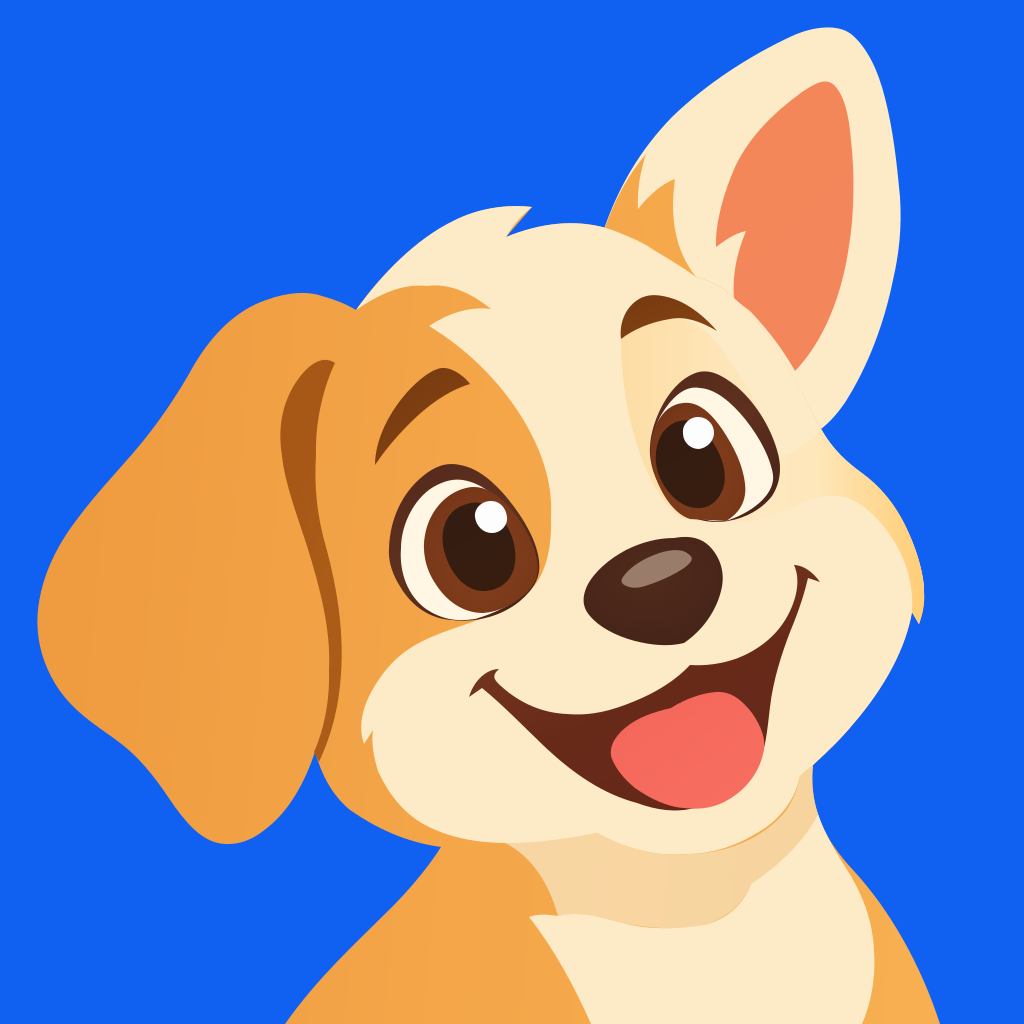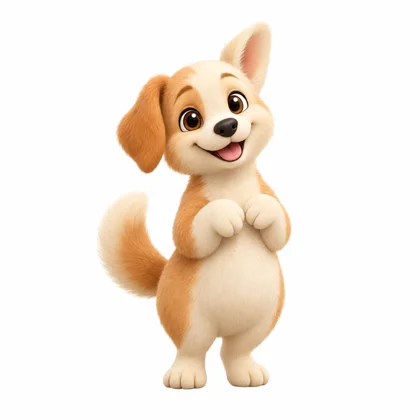
Start with your character.
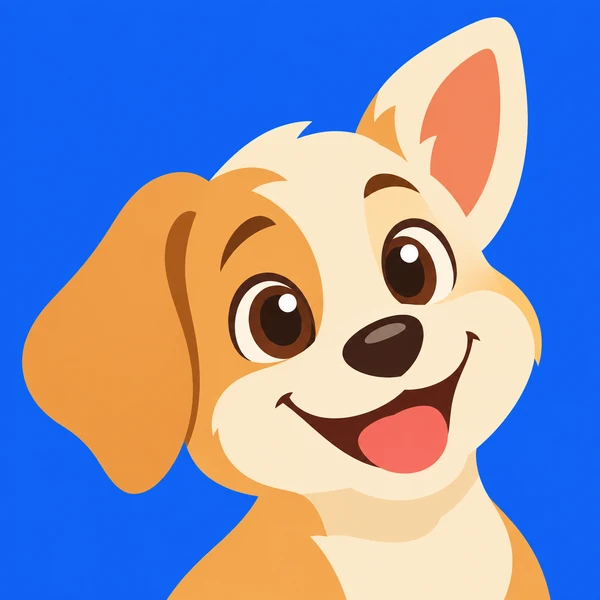
Upload artwork you already have, or use a mascot you made in Masko.
 masko
masko
AI MASCOT LOGO GENERATOR
The character inside your app. The icon people tap to come back. Create a custom logo, explore styles, and make it yours.
Your upload comes with you through sign-in.
Choose your design before spending credits.
 Made from
Tap an icon to meet the mascot.
Original designs for fictional apps.
ONE MASCOT. THREE USEFUL ASSETS.
Keep what makes your mascot recognizable. Give it a design that works as a logo. Then turn your favorite into a vector.
Upload artwork you already have, or use a mascot you made in Masko.
 PNG
PNGExplore logo ideas and styles tailored to your mascot, or describe your own direction.
Generate an SVG from your chosen logo. Scale it freely and edit its vector paths.
SVG is an optional generation. Fine details and textures may vary from the logo image.
MASCOT LOGO DESIGN, YOUR WAY
40 logo designs from our brand mascots.
Find a look you like. Tap to see where it started.
The same character, a different way to be recognized.
FROM THE CREATOR TO YOUR CODE
Your app icon, browser tab, and website need different files. Get them from the same logo.
Little Strides your logo,Apple applies its own icon mask. Android adaptive icons may need additional preparation.
THE LITTLE DETAILS
Yes. Upload a PNG, JPG or WebP image, then continue to Studio. Masko saves your mascot in a collection and opens the logo creator. Explore suggestions, choose a style, and edit the description before generating. You can also choose a mascot already in your account.
Describe your business or add your website to find mascot ideas. Create a character first, then generate logo designs from that character.
Create a company mascotExplore graphic app icons, cut-paper marks, soft-depth icons, geometric marks, subtle symbols, monoline symbols, negative space, retro emblems, and hand-drawn logos. Try a face, a full-body character, or a simplified signature feature. Ideas and styles can be adjusted for each logo.
Yes. Once you have a logo you like, choose Generate SVG on its detail page. This is a separate generation that converts your chosen artwork into vector paths. You can download the SVG and edit it in a compatible vector editor. Complex details, textures, and gradients may differ from the image.
Yes. Download PNGs up to 1024 × 1024, along with iOS and Android icon sizes. Keep your source square and review the result at small sizes. Apple applies its own icon mask; Android adaptive icons may need additional platform-specific preparation.
Logo exports include PNGs, favicon sizes, and an ICO file. Transparency depends on your selected design: a colored background can be part of the logo. Download files individually or as a ZIP. Published collections also provide hosted links, including SVG when available.
Each logo generation costs 5 credits. Generating an SVG from a finished logo costs 30 credits. Uploading your mascot and downloading existing exports do not use generation credits. The creator shows the cost before you generate.

Start with your own artwork. Choose a direction. Make it yours.