FREE TOOLS · STREAMS AND PROFILES
Starting soon screen maker
Put your animated character on a starting soon, be right back or thanks for watching screen, and download a 1080p loop for OBS.
6.0 s, a still screen. Loop it in OBS.
- Free
- No sign-in
- Runs in your browser
How it works
- 01
Pick a screen
Starting soon, be right back, thanks for watching, or your own words.
- 02
Add your character
A transparent WebM, GIF, APNG or WebP loop, or a PNG. Pick the colours and where it stands.
- 03
Download the loop
A 1920 × 1080 MP4 or WebM, 4 to 15 seconds of whole loops.
Your own character on your stream
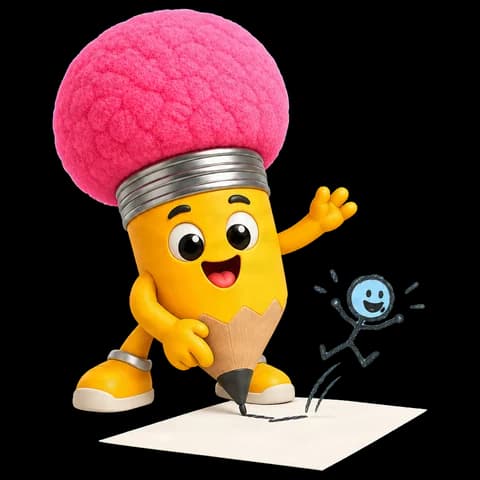
Masko Studio animates your character with a transparent background. Drop the loop here for every screen.
THE LITTLE DETAILS
A few questions.
How do I add it to OBS?
Add a Media Source, pick the downloaded file and turn on Loop. Put it in its own scene, such as Starting soon, and switch to that scene before you go live.
How long is the video?
Whole loops of your character, at least 4 and at most 15 seconds, so it loops without a jump. A still character gives 6 seconds.
MP4 or WebM?
MP4 when your browser can make one, else WebM. OBS plays both.
Is my file uploaded?
No. The video is made in your browser.
Where do I get an animated character?
Make one in Masko Studio. It comes with a transparent background, ready to drop here.
Open Masko Studio