FREE TOOLS · FROM YOUR PICTURE
Photo to pixel art
Turn a photo, GIF or short video into pixel art with your pixel size and palette. Download a PNG, or an 8-bit GIF when it moves.
- Free
- No sign-in
- Runs in your browser
How it works
- 01
Drop a picture or GIF
A photo, a drawing, a GIF or a short video, up to 6 seconds.
- 02
Pick pixels and colours
A pixel size from 2 to 32, 4 to 32 colours, and a dark outline for pictures with no background.
- 03
Download
A crisp PNG at 1x, 4x or 8x, or a looping GIF at 4x for animations.
Pixelated, or redrawn as pixel art
This tool keeps your picture and turns it into pixels. Masko Studio can also draw it again as a new pixel art character, for 1 credit, ready for stickers and animations.
- The sample picture
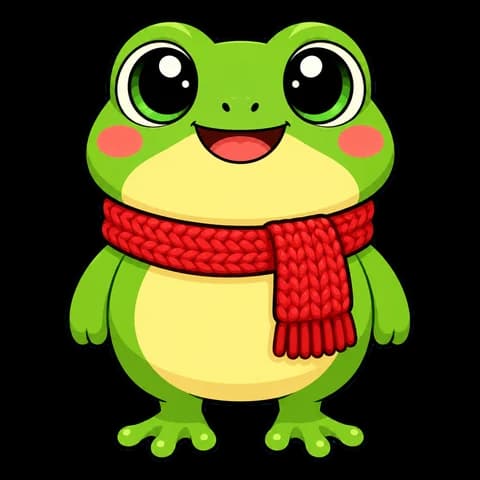
- Pixel art character
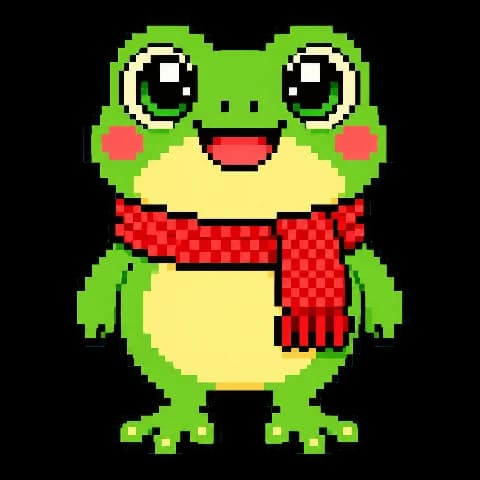
A pixel art character of your own
Masko Studio draws your pet, toy or drawing as a new pixel art character, for 1 credit.
THE LITTLE DETAILS
A few questions.
Is my file uploaded?
No. Everything runs in your browser.
Which pixel size should I pick?
The default gives the long side about 64 pixels, a classic sprite size. A smaller pixel size keeps more detail.
Why can I not add an outline?
The outline follows see-through edges. Use a PNG, WebP or GIF with no background.
Does it work with GIFs and videos?
Yes. Every frame shares one palette, so colours do not flicker, and you get an 8-bit GIF.
Can I get a pixel art character of my own?
Yes. Masko Studio draws a new pixel art character from your picture for 1 credit, ready for stickers and animations.