FREE TOOLS · STREAMS AND PROFILES
Discord banner maker
Crop a GIF, video or picture to a Discord profile banner, then make the round pfp and the server icon from the same file, with a live profile preview.
At least 680 × 240, PNG, JPG or GIF under 10 MB. Nitro.
Streams on Fridays. Says hi to everyone.
Your crop shows here as Discord shows it.
- Free
- No sign-in
- Runs in your browser
How it works
- 01
Drop your file
A GIF, MP4, WebM, MOV, PNG, JPEG or WebP, up to 8 seconds.
- 02
Pick and crop
Profile banner, server banner, avatar or server icon. Drag to move, slide to zoom.
- 03
Download
Animation stays a GIF under 10 MB. A still picture becomes a PNG.
Discord banner and pfp sizes
What the maker exports for each spot, from Discord’s help centre. Animation comes out as a GIF under 10 MB, a still picture as a PNG.
| Spot | Export | What Discord asks |
|---|---|---|
| Profile banner | 680 × 240 px | At least 680 × 240, PNG, JPG or GIF under 10 MB. Nitro. |
| Server banner | 960 × 540 px | At least 960 × 540. Static from boost level 2, animated from level 3. |
| Avatar | 512 × 512 px | Square, shown round. PNG, or GIF with Nitro. |
| Server icon | 512 × 512 px | At least 128 × 128. Animated from boost level 1. |
A banner with your own character
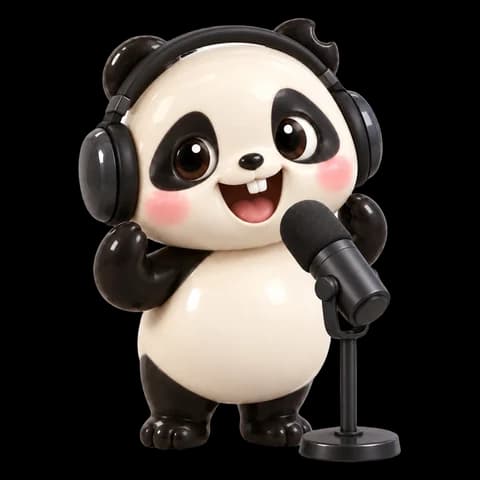
Masko Studio animates your character on a transparent background. Crop the loop here for your profile and your server.
THE LITTLE DETAILS
A few questions.
What size is a Discord banner?
A profile banner is at least 680 × 240 px, as a PNG, JPG or GIF under 10 MB. A server banner is at least 960 × 540 px, in 16:9. The maker exports both at those sizes.
Can my banner move?
Yes, as a GIF. Profile banners need Nitro, and a moving server banner needs boost level 3.
What size is a Discord pfp?
Square, shown as a circle. The maker exports 512 × 512 px, the same as the server icon. A moving pfp needs Nitro.
Is my file uploaded?
No. Cropping and encoding run in your browser.
Can I put my own character on it?
Yes. Make your character in Masko Studio, animate it, then crop the loop here.
Open Masko Studio