React to AI agents
Show working, waiting, questions, completion, and errors.
 Masko
MaskoCreate with Masko
Describe the character you want or add a picture. Choose the face and first movement, then meet it on your desktop.
Create from an idea or picture. macOS 14 or newer.
From idea to desktop
Masko keeps the identity you choose, gives it a transparent resting loop, and installs it as a living desktop companion.
Start with a sentence, sketch, photo, or reference image.
Review directions and keep the character that feels right.
See the resting movement before it reaches your desktop.

How it works
Create a new character, animate an existing idea, or choose someone already finished in the marketplace.
Turn words or a picture into a consistent desktop character.
Give a character resting, working, waiting, and custom reactions.
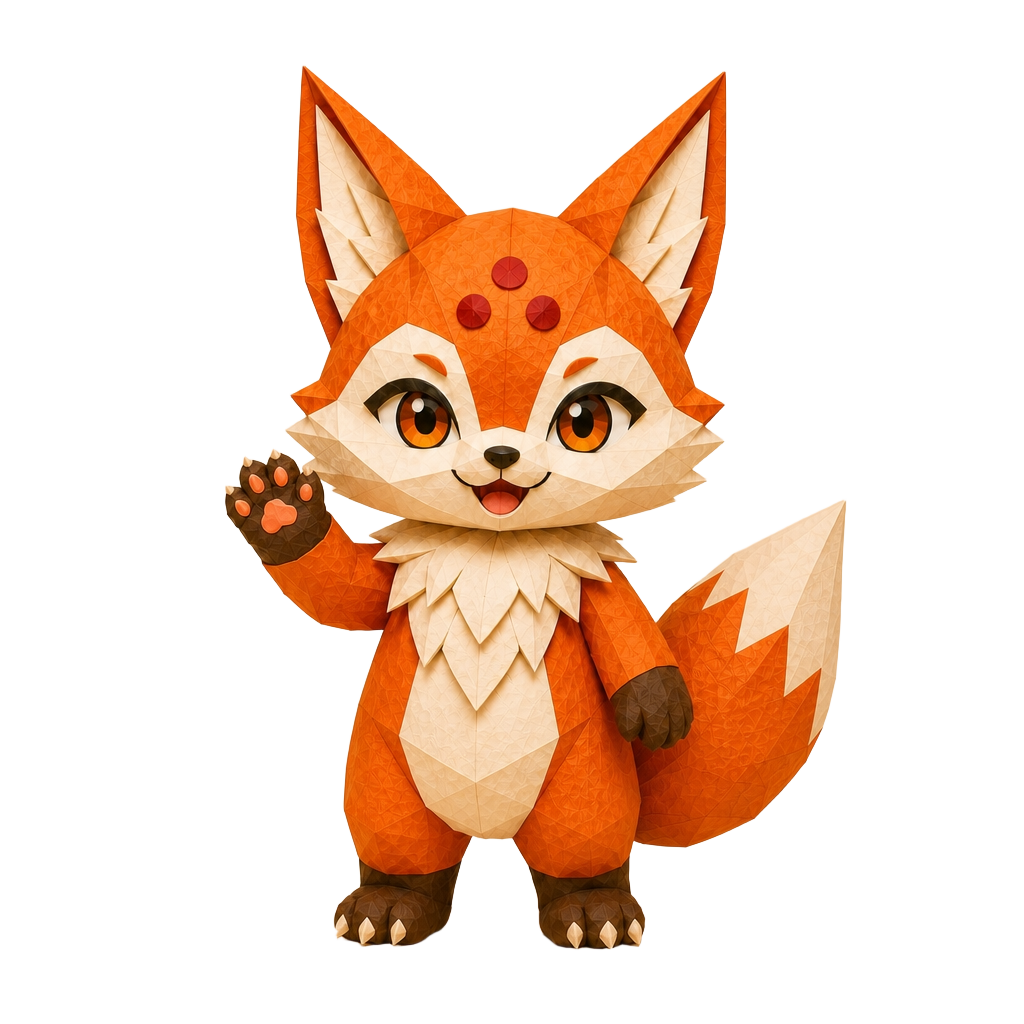
Start immediately with Ko or a marketplace mascot.
In practice
Creation is the beginning. The same character can carry the useful parts of Masko.
Show working, waiting, questions, completion, and errors.
Turn focus, breaks, water, music, and system health into character moments.
Add movements that fit the character after it reaches your Mac.
Made for macOS 14+Start free with KoCreate or choose your mascot
Your first mascot
Create or choose an interactive desktop companion for your Mac.

Questions
Yes. Add a photo or another reference image and use it to guide the character direction.
No. Masko creates living desktop mascots, not brand-logo packages or vector identity systems.
Yes. You can keep developing the character and add reactions after its first loop is ready.
No. You can start with Ko or choose a finished character from the marketplace.
Masko Desktop supports macOS 14 or newer.
Masko for Mac
Create from an idea or picture. macOS 14 or newer.