VS Code Integration
Mascots for VS Code Extensions
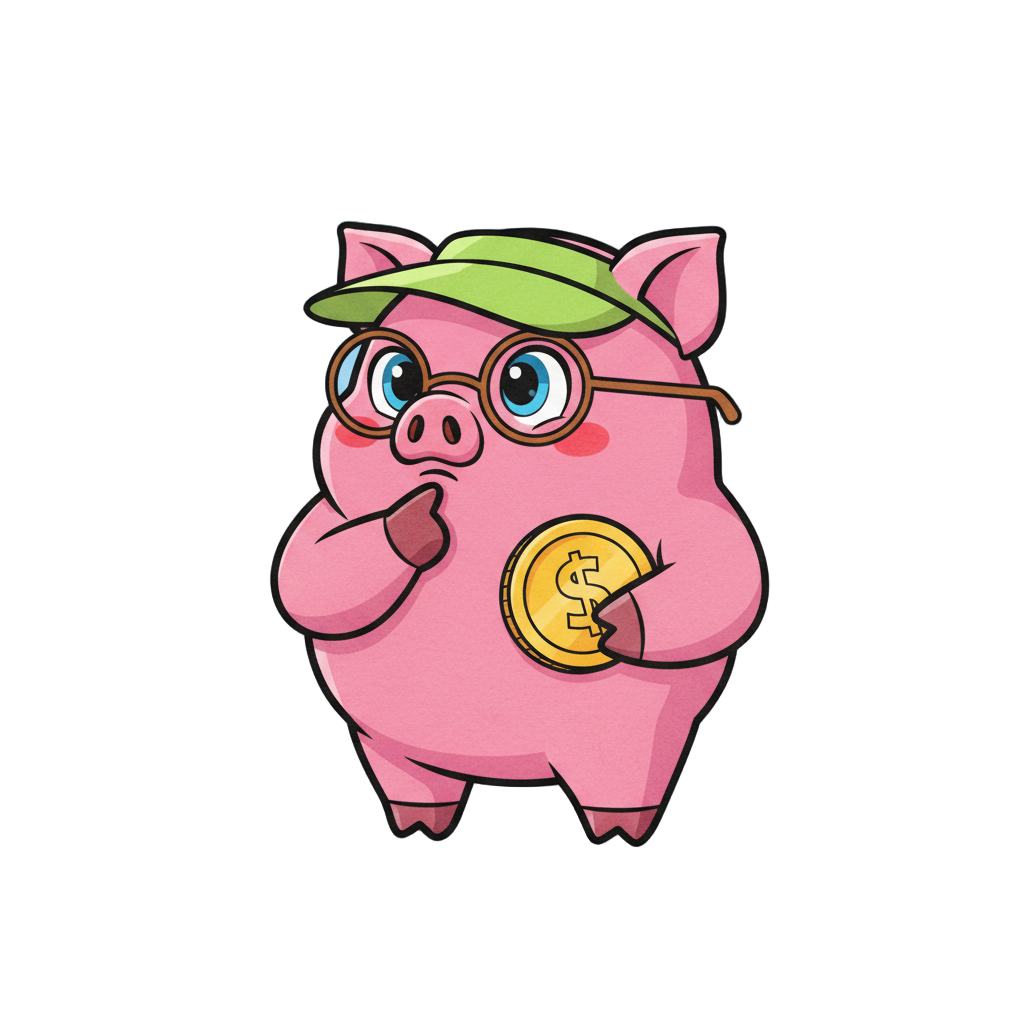
Add personality to your VS Code extensions with animated mascots. Perfect for status indicators, sidebars, and web views.
Where to Use Mascots in VS Code
Add personality to every part of your extension.
Status Bar Indicator
Show extension status with a small animated mascot icon in the status bar.
Sidebar Panel
Add a friendly mascot to your extension's sidebar panel as a guide.
Web View Content
Embed animated mascots in custom web views for rich interactions.
Notification Toasts
Make notifications more engaging with mascot avatars.
Ideas for VS Code Extensions
Productivity trackers with motivating mascot reactions
Git extensions with celebratory commit animations
Testing extensions that react to pass/fail results
Code review tools with friendly feedback characters
Learning extensions with tutorial guide mascots
Theme extensions with matching mascot personalities
How It Works
Three steps to add mascots to your VS Code extension.
1
Design your mascot
Create a character that fits VS Code's developer-focused aesthetic.
2
Generate extension moments
Create animations for status updates, loading, success, and errors.
3
Add to your extension
Use PNG for icons, video for web views, or animated GIFs for notifications.
Mascots for Developers
Characters that fit the coding aesthetic.